Linux file permission

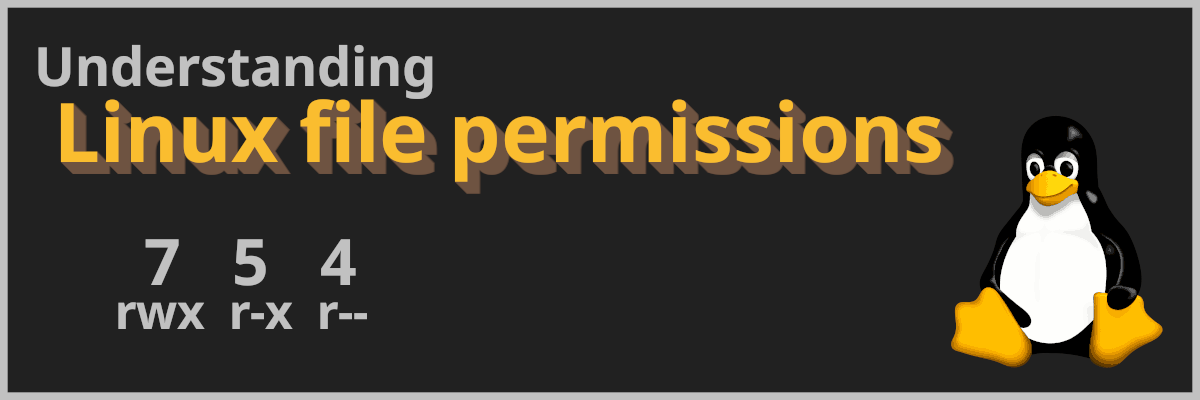
Linux file permissions

tl;dr: rwx = 0111 = 7. -rwxr-xr-x = 0111 0101 0101 = 755. Ok, I want to make my file read/write/execute for me, and read/execute for group and others, easy: chmod 755 my_file.txt. Of course I know this. Want all permissions for everyone? 777. But, whenever I want anything else, I always have to google it. Well… NO MORE! Understand it to remember it After years of always forgetting and not really knowing how the permission for files are in unix like systems, I finally, when looking it up, found a way to remember it. And I found the way to remember it so cool that I want to share it with you! (Also I wanna make sure I remember it, so writing a short post is the perfect way). ...
November 28, 2025
athena

Getting started with Amazon Athena

What is Athena AWS S3 (Simple Storage Service) is the most used AWS resource. In S3 you can store all types of data in a multitude of file formats: Parquet, ORC, JSON, CSV, different types of logs, dumps from web scraping, database backups or snapshots, the list goes on and on. You can use it as a data lake and chuck in all your data. Just like your favorite desktop junk drawer. But then the day comes when you actually want to look at your data. This could require heavy ETL pipelines transforming and loading the data over to a relational database where you finally could retrieve your data using SQL. ...

November 24, 2025
q developer

Refactor and comment your code with Amazon Q in Neovim

tl;dr: Amazon Q is a gen-AI assistant from AWS. Amazon Q Developer - Getting started. AWS has also made a Neovim plugin. AI, Gen-AI, LLMs, Agents, MCP. There is so much AI hype. Everywhere I look they talk about AI. “AI is the future. If you don’t learn to use it right now you will never catch up.” I’ve been kinda sceptical to AI. As a developer I have used AI since the beginning of ChatGPT and GitHub Co-pilot, which feels like forever ago even though it has only been about 2 years. It is nice to save time by making it write boiler plate code and it is fun to make it create stories and song lyrics. ...

September 12, 2025
CICD with AWS CodePipeline

Part 13-16: CI/CD - Commit, Build and Deploy with AWS CodePipeline

Complete The Cloud Resume Challenge The Challenge Part 1: Get AWS Certified and complete The Cloud Resume Challenge Part 2: HTML - Create a website Part 3: CSS - Style your website Part 4: Static Website - Amazon S3 Part 5: HTTPS - Set up Amazon CloudFront Part 6: DNS - Custom domain name with Amazon Route 53 Part 7-12: Backend - Creating a serverless API and requesting it with JS –> Part 13-16: CI/CD - Commit, Build and Deploy with AWS CodePipeline <– tl;dr: Creating a CI/CD pipeline for the frontend and the backend. Automating the deployment with AWS CodePipeline using GitHub as the source repository. ...

September 8, 2025
flameshot

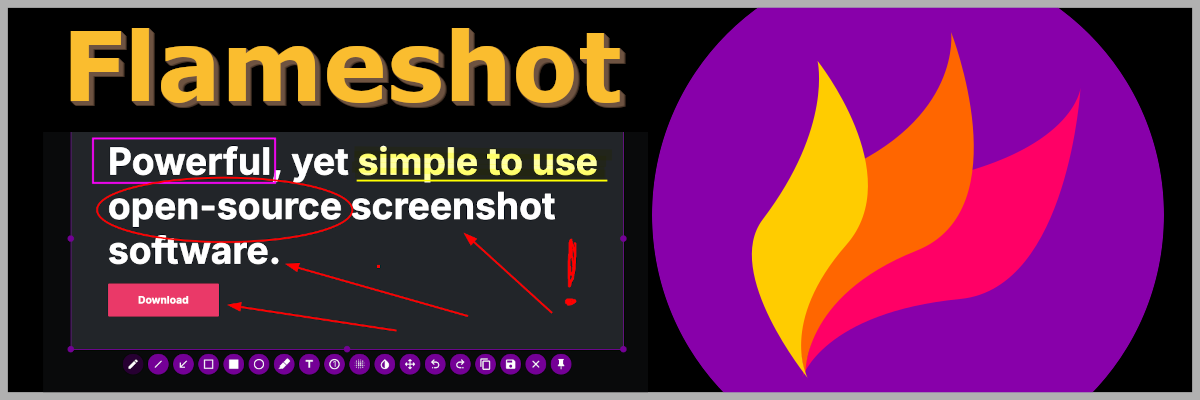
Flameshot - My favorite screeshot app

tl;dr: Use Flameshot to take screenshots and edit them directly before saving to a file or to the clipboard. Download at flameshot.org/download. Flameshot Flameshot is my favorite screenshot app and I have been using it for years. I’ve shown this app to lots of co-workers over the years since I find it super practical. I have to admit that windows and mac has stepped up their screenshot tools the last years, so everything isn’t as unique as it was the first time i tried out Flameshot. Still I find it the best tool for taking screenshots and I use it daily. ...

August 12, 2025
Terraform remote state in S3

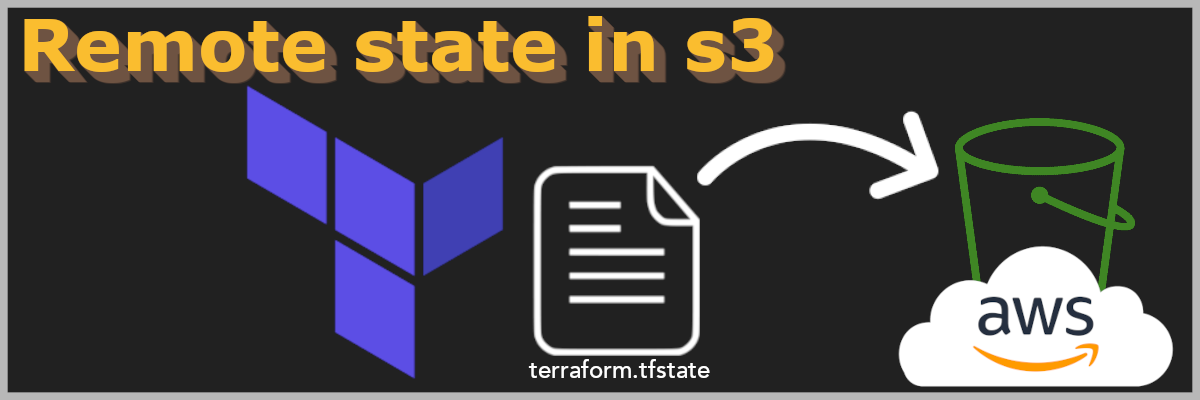
Terraform with remote state in S3

tl;dr: You can use S3 to store your Terraform state file remote. To migrate a local state file, add a backend "s3" {} block to your Terraform configuration and run terraform init -migrate-state. You no longer need to use DynamoDB for state locking, as S3 now has native support for this with use_lockfile = true. Table of Contents What is remote state? State locking Set AWS as a Terraform backend Migrating local state to S3 Conclusion What is remote state? When you run terraform apply, terraform will create a state file. When ever you make a change to your terraform configuration and apply it, terraform will check the difference between the config and the state before makeing the needed changes. ...

August 7, 2025
serverless api

Part 7-12: Backend - Creating a serverless API and requesting it with JS

Complete The Cloud Resume Challenge The Challenge Part 1: Get AWS Certified and complete The Cloud Resume Challenge Part 2: HTML - Create a website Part 3: CSS - Style your website Part 4: Static Website - Amazon S3 Part 5: HTTPS - Set up Amazon CloudFront Part 6: DNS - Custom domain name with Amazon Route 53 –> Part 7-12: Backend - Creating a serverless API and requesting it with JS <– Part 13-16: CI/CD - Commit, Build and Deploy with AWS CodePipeline tl;dr:: Creating a serverless counter for our website using Lambda, DynamoDB, Api Gateway and Terraform then displaying it on our website using javascript. ...

July 4, 2025
DNS

Part 6: DNS - Custom domain name with Amazon Route 53

Complete The Cloud Resume Challenge The Challenge Part 1: Get AWS Certified and complete The Cloud Resume Challenge Part 2: HTML - Create a website Part 3: CSS - Style your website Part 4: Static Website - Amazon S3 Part 5: HTTPS - Set up Amazon CloudFront –> Part 6: DNS - Custom domain name with Amazon Route 53 <– Part 7-12: Backend - Creating a serverless API and requesting it with JS Part 13-16: CI/CD - Commit, Build and Deploy with AWS CodePipeline tl;dr: Use Amazone Route 53 to register a custom domain name and point it to your CloudFront distribution. ...

April 25, 2025
Docker Context

Docker Context

tl;dr: After installing docker-desktop, I needed to use sudo to run commands even though my user is in the docker group. Fix: Change docker context back to default. Introduction - The problem After installing docker-desktop, running docker commands only returns errors. How did this happened? It was working just fine earlier. Let me start from the beginning: Recently I’ve been thinking about learning Kubernetes. And I’ve started doing some research also thinking about completing some of the Kubernetes certifications. ...

March 14, 2025
HTTPS

Part 5: HTTPS - Set up Amazon CloudFront

Complete The Cloud Resume Challenge The Challenge Part 1: Get AWS Certified and complete The Cloud Resume Challenge Part 2: HTML - Create a website Part 3: CSS - Style your website Part 4: Static Website - Amazon S3 –> Part 5: HTTPS - Set up Amazon CloudFront <– Part 6: DNS - Custom domain name with Amazon Route 53 Part 7-12: Backend - Creating a serverless API and requesting it with JS Part 13-16: CI/CD - Commit, Build and Deploy with AWS CodePipeline tl;dr: HTTPS is like HTTP, but secure. Use CloudFront to front your website redirecting HTTP to HTTPS. ...

March 1, 2025